
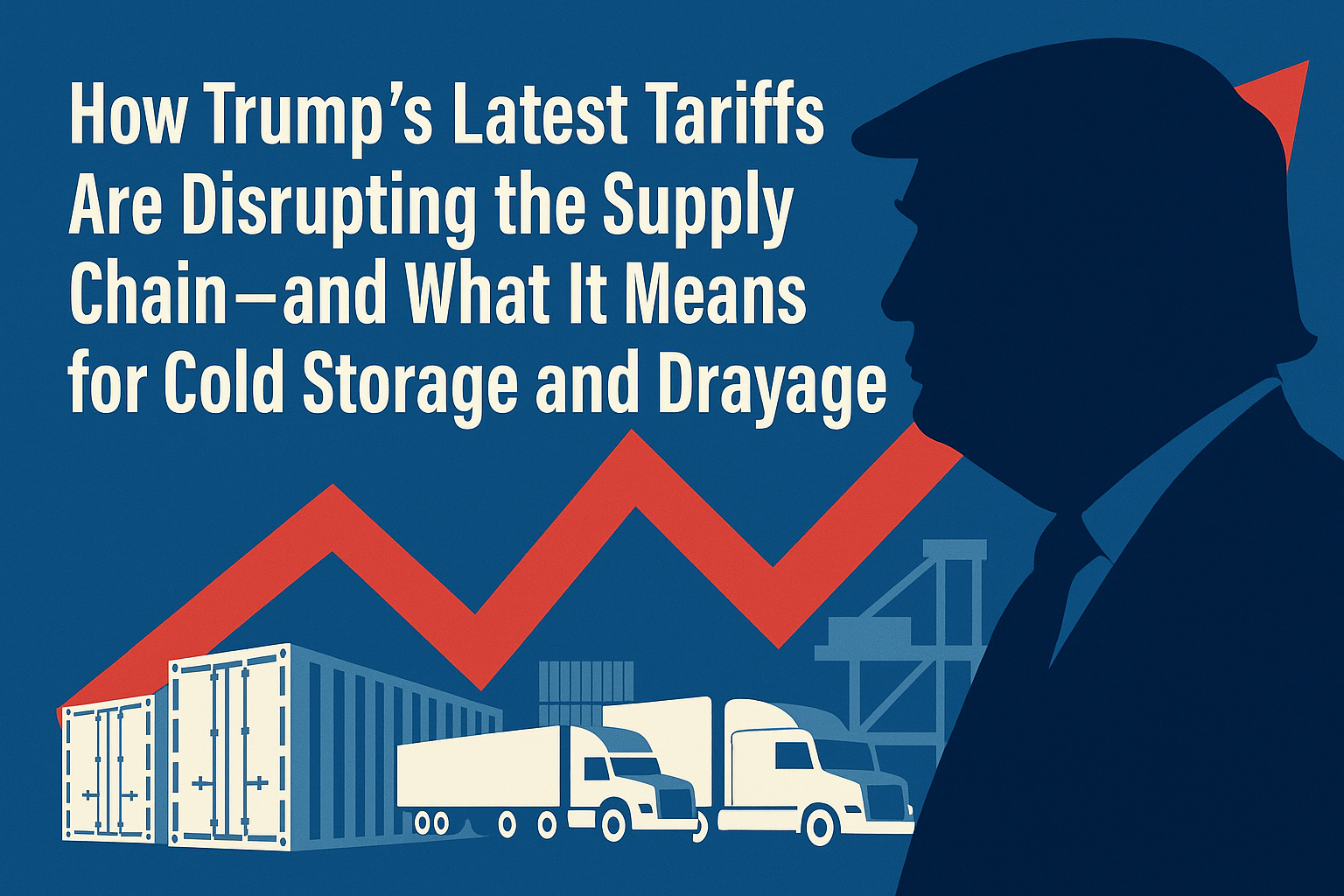
What to Do If Your Reefer Container Loses Power at Port
Learn what steps to take when your reefer container loses power at port — how to protect cargo, notify authorities, and prevent spoilage delays.
Learn what steps to take when your reefer container loses power at port — how to protect cargo, notify authorities, and prevent spoilage delays.
A power outage at the port can happen without warning — tripped breakers, plug faults, or terminal maintenance can suddenly cut power to your reefer container. When that happens, every minute counts. If your cargo contains seafood, produce, or other perishables, quick action is essential to prevent temperature rise and quality loss. Here’s how to respond effectively when your reefer container loses power at port.
Step 1: Confirm the Power Loss
Before assuming a full failure, check for simple causes:
Is the reefer plug firmly connected and undamaged?
Are neighboring containers powered (to rule out a wider outage)?
Does the reefer controller display an alarm or blank screen?
If the unit is off and the plug is secure, immediately contact the port reefer technician or terminal operations to log the issue.
Step 2: Record Key Information
Accurate data helps you file claims, verify compliance, and prove cargo integrity later. Note:
Container number and seal number
Date and exact time power was lost
Reefer setpoint and last temperature reading (return/supply air)
Any active alarms or fault codes on the display
Use your data logger or monitoring app (if installed) to export a snapshot of the temperature curve.
Step 3: Notify All Relevant Parties
Inform the following teams as soon as possible:
Freight forwarder or drayage operator (to prepare a genset or alternate plug)
Cold storage facility (so they can arrange immediate unloading upon arrival)
Customs broker and importer (for potential inspection or claim tracking)
Keeping everyone informed helps coordinate rapid recovery and minimize delays.
Step 4: Request Immediate Power Reconnection or Genset Support
If terminal power is unavailable, request:
A genset hookup to temporarily power the unit, or
Transfer to a powered reefer yard within the port
Many terminals maintain standby gensets or emergency reefer zones for exactly this situation. If you control drayage, dispatch a genset-equipped chassis to plug in and stabilize temperature during transit.
Step 5: Monitor and Document Recovery
Once power is restored, document the recovery process:
Temperature readings every 15–30 minutes
Confirmation that compressor restarts correctly
Updated data logger file once stabilized
If temperature deviation exceeds limits, flag the cargo for quality inspection at the receiving cold storage. This documentation will be essential for insurance or USDA/FDA recordkeeping.
Step 6: Prevent Future Power Failures
Inspect reefer plugs and cables before delivery to port.
Request terminal reefer monitoring for long dwell times.
Use a genset if power supply is unreliable or your container will sit for extended hours.
Work with a 24/7 cold storage facility capable of receiving late-night or emergency arrivals.
Conclusion
Power loss doesn’t have to mean product loss. With a clear response plan, communication, and access to genset support, your perishable cargo can remain protected even during unforeseen port outages. Every hour of temperature control you save can mean the difference between a successful delivery and a rejected load.
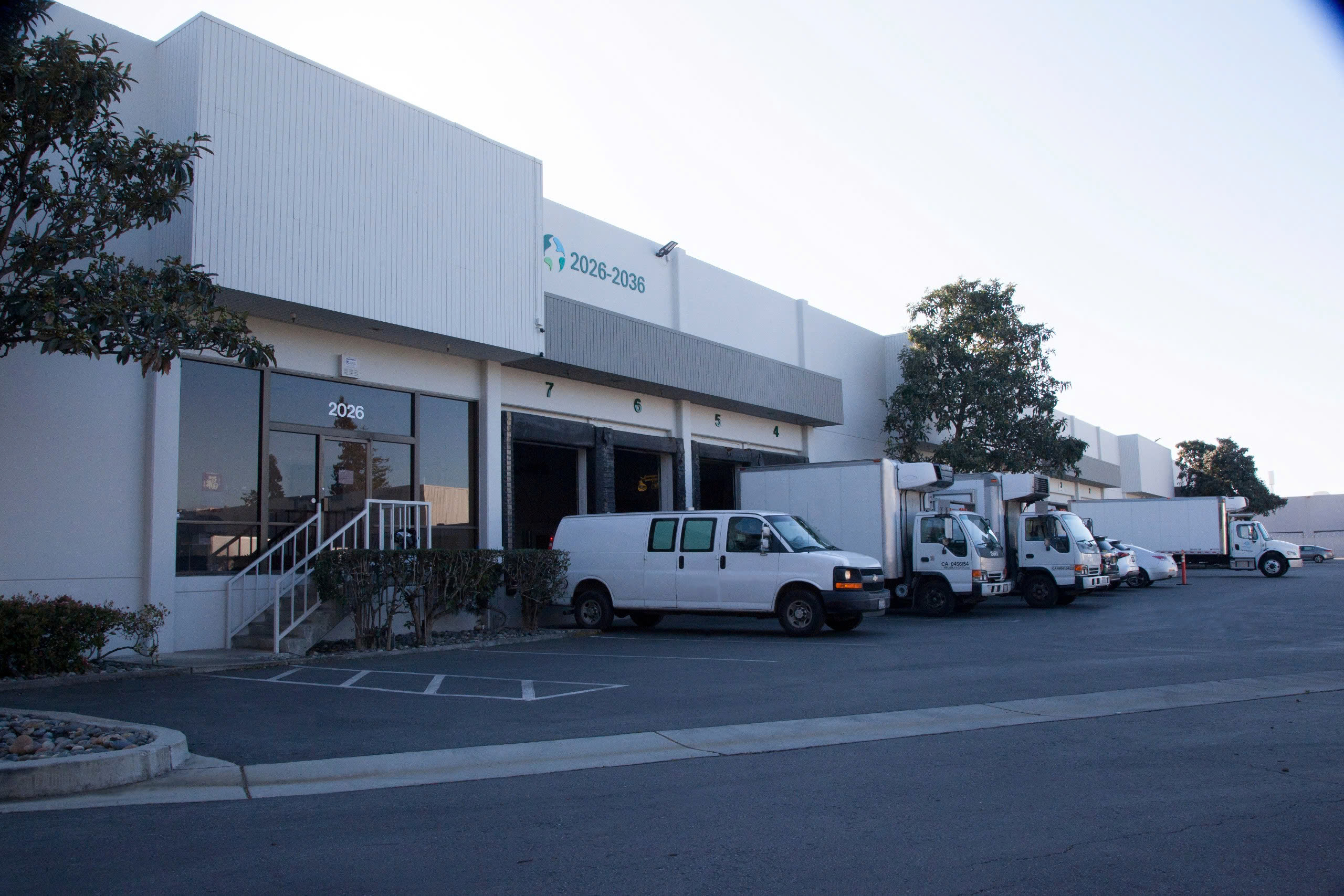
📍 Address: 2026 Martin Ave, Santa Clara, CA 95050 📞 Phone: 408-560-1628 📧 Email: [email protected]
Need help exporting seafood to the US?
Royal Cold Storage provides end-to-end support — cold storage, transport, customs clearance, and distribution. Free quote within 24 hours.
Request a Quote →Related articles
 Cold Chain & Logistics
Cold Storage Disclaimers Explained
In cold chain logistics, misunderstandings often arise not because of poor service, but because of unclear expectations. One of the most misunderstood elements is the cold storage disclaimer.
 Warehousing & Storage
A Beginner’s Guide to Working With a Cold Storage Customer Service Team
New to cold storage? Learn how to communicate with customer service teams, what information they need, and how to avoid delays with your perishable shipments.
 Warehousing & Storage
How Cold Storage Facilities Protect Your Products During Unloading
Discover how cold storage facilities protect your perishable products during unloading—from temperature control to careful handling and fast processing.